
Getting into your club’s platform takes two minutes — three steps, from the invitation email to your first sign-in.
1Accept your invitationYou only do this once
•Look for the email from noreply@coachesvoice.com with the subject “You have been invited to Surf Nation”. Not there? Check spam.•Click Accept. The invitation expires in 14 days — if yours has, ask your club admin to send a new one.•Enter your name, choose a password and click Accept. You’re in.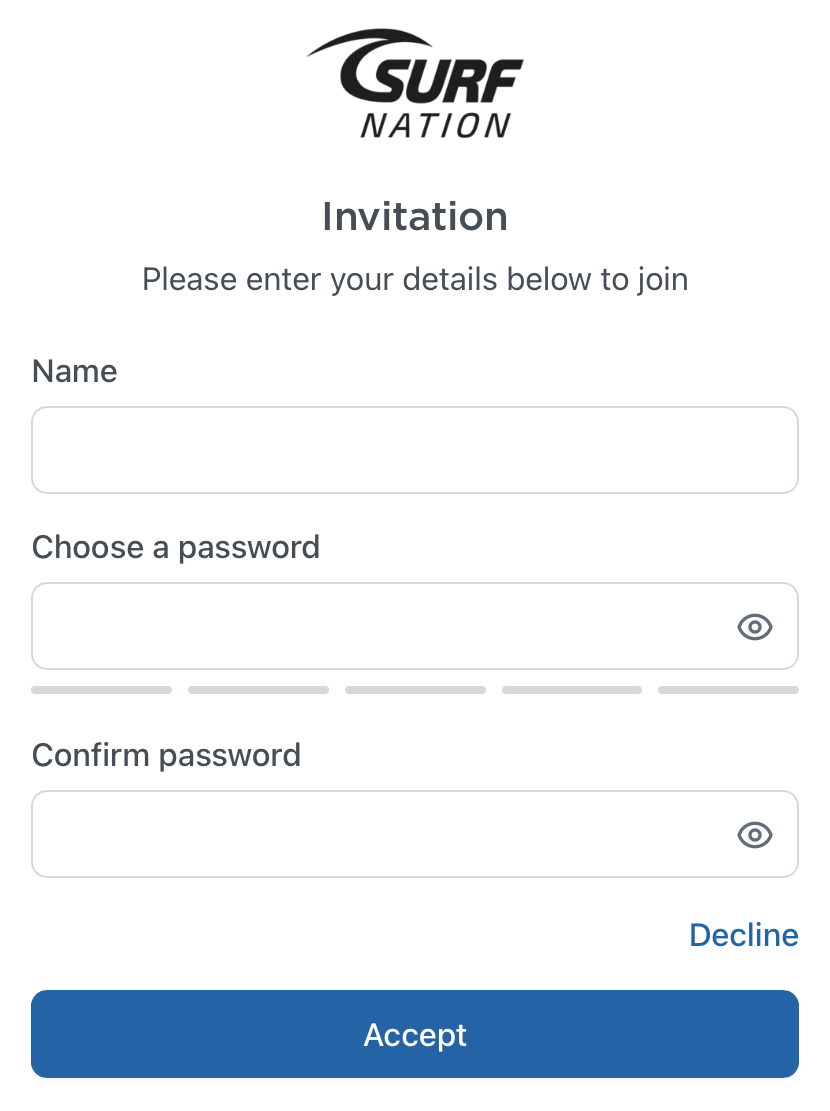
2Sign inEvery time you come back
•Go to your club’s own address — find it on Getting started with Surf Nation and bookmark it.•Enter your email (the one your invitation was sent to) and your password.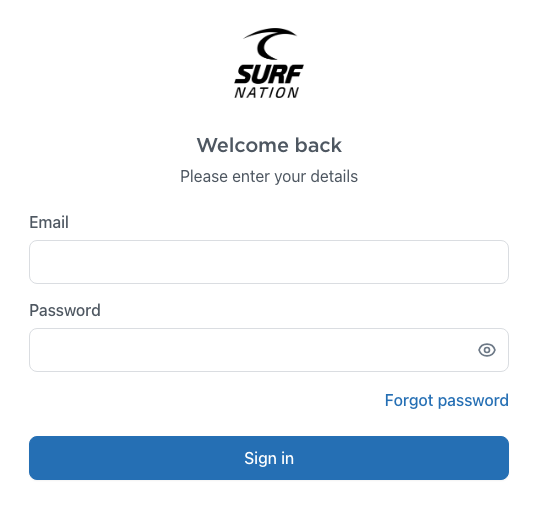
3Forgot your password?Reset it in a minute
•On the sign-in page, click Forgot password.•Enter your email and click Reset Password — we’ll email you reset instructions. Follow the link and choose a new password.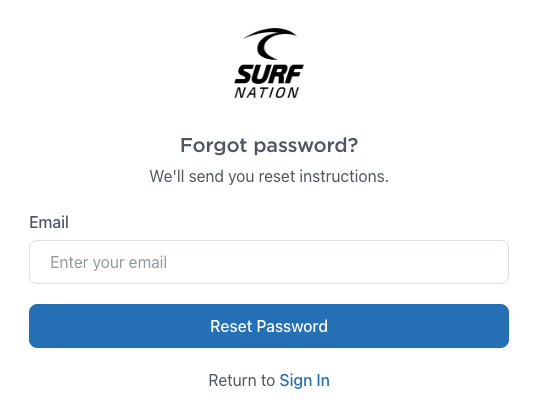
Still stuck? Email us at surfsupport@coachesvoice.com and we’ll get you sorted.
Was this article helpful?
That’s Great!
Thank you for your feedback
Sorry! We couldn't be helpful
Thank you for your feedback
Feedback sent
We appreciate your effort and will try to fix the article